Introduction
Watching movies online has become an essential part of modern entertainment. Whether you enjoy action films, comedy, documentaries, family movies, or television series, streaming applications make it possible to discover entertainment without depending on traditional television schedules.
However, managing different movies across multiple services can become confusing. Some platforms require subscriptions, others offer free content supported by advertising, and personal movie collections may be scattered across computers, external drives, and other storage devices.
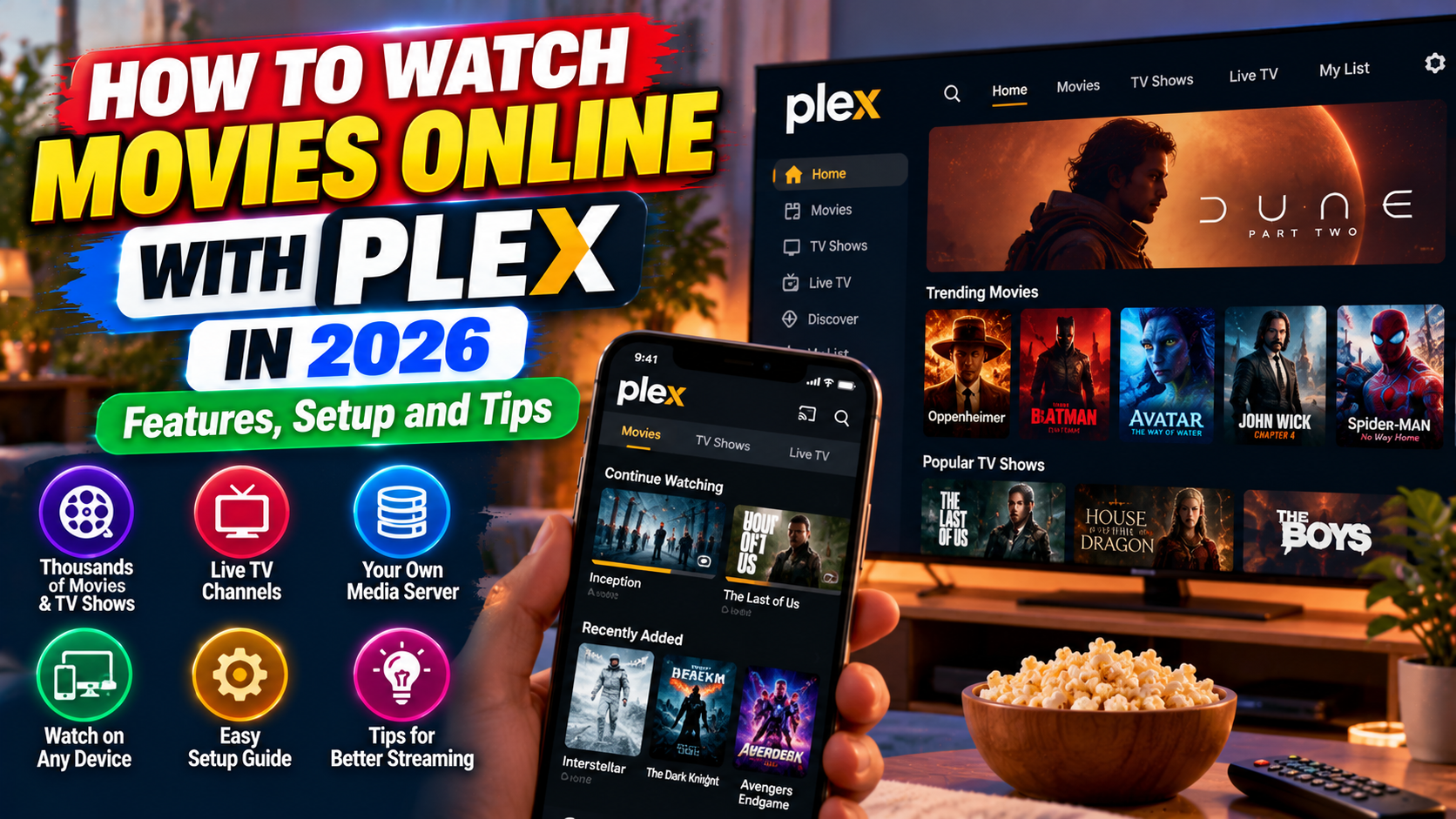
Plex offers an interesting solution by combining free online entertainment with tools for organizing and streaming your personal media collection. Instead of functioning only as a movie-streaming app, it can also help bring your videos, music, and photos together in one organized interface.
In this guide, IPOPANDIT.COM explains how Plex works in 2026, how you can watch movies without a conventional streaming subscription, which devices are supported, and when its optional paid features may be useful.
1. What Is Plex?
Plex is a media platform that combines an online streaming catalogue with personal media-management tools.
Its free online service offers movies, television programmes, documentaries, and live TV channels supported by advertising. Separately, Plex allows users to organize and stream compatible media files stored on their own computers or other supported storage systems.
This combination makes Plex different from services that focus exclusively on subscription-based entertainment.
For example, imagine that you have collected movies, family videos, and music over several years. Instead of browsing individual folders, you can configure Plex to organize compatible files into a more convenient library with titles, artwork, and other available information.
You can also explore Plex’s own online movie catalogue without first building a personal media collection.
According to the official Plex support documentation, its free streaming service includes advertising-supported movies, television shows, and live TV. The specific content available can vary by location.
Best for: People who want a free streaming option and a convenient way to manage their personal media collections.
2. Main Features of Plex in 2026
Plex offers several features that appeal to different types of viewers. Understanding these features will help you decide whether the app fits your entertainment needs.
Free movies and television shows
Plex provides a catalogue of online entertainment that can be watched without a conventional paid streaming subscription. The service is supported by advertisements, which help fund content licensing and distribution.
The available selection includes various genres, although the exact titles depend on your country and current distribution agreements.
You can browse the official Plex streaming website to explore the service.
Personal media organization
One of Plex’s distinguishing features is its ability to organize compatible media files that you own or are authorized to access.
When you configure a Plex Media Server and add folders containing supported video files, the software can identify many titles and display information such as artwork and descriptions.
This can make a large personal collection easier to browse, especially when files are stored across several folders.
Streaming across compatible devices
Plex supports a range of platforms, including web browsers, Android and iOS devices, supported smart TVs, streaming devices, and computers.
Depending on your configuration and the features available to your account, you can access supported content on different devices without manually copying each file.
Always check the official compatibility information before installing the app, because available devices and features can change.
Live television
Plex also offers free, advertising-supported live TV channels in supported markets. This is a different viewing experience from selecting an individual movie.
Live channels can be useful when you prefer browsing scheduled entertainment rather than searching for a specific title.
Multiple profiles and sharing options
Plex provides account and library-management features that can help users organize the content they access. Some family and sharing features depend on the configuration, subscription, and type of content involved.
Review the current settings before sharing a personal media library with other people, particularly when it contains private videos or photographs.
3. Is Plex Free or Paid?
Plex offers both free and paid features, so understanding the difference is important before signing up.
What is available for free?
Plex’s free offering includes its advertising-supported online movies, television shows, and live TV service. Its basic media-server software is also free to use.
If your main goal is to explore the free online catalogue, you do not need to purchase a Plex Pass simply to access that service.
However, some content may be available only through separate rental or purchase options in supported countries.
What is Plex Pass?
Plex Pass is an optional paid subscription that unlocks additional features for eligible Plex users. Depending on the current plan and supported configuration, benefits may include advanced server capabilities, certain offline-download features, hardware-accelerated transcoding, and other enhanced tools.
The exact features and pricing can change, so check the official Plex Pass information before paying.
Important: Plex Pass does not remove advertisements from Plex’s free online movie and television catalogue. Its premium benefits apply to specified Plex features rather than automatically converting every free streaming title into an ad-free movie.
You should also distinguish between streaming your own media and watching Plex’s licensed online catalogue. The two services have different requirements and limitations.
For many casual viewers, the free streaming service is a sensible place to start before deciding whether any additional features justify a subscription.
4. How to Install Plex on Your Phone or Computer
Installing Plex is straightforward when you use its official website or your device’s trusted app store.
Step 1: Visit the official Plex website.
Open Plex’s official website and navigate to its download or streaming options. You can also search for the official Plex application in Google Play or the Apple App Store.
Step 2: Select your device.
Choose the compatible application for your Android phone, iPhone, tablet, computer, or supported television. Available installation options depend on the operating system.
Step 3: Install and open the app.
Follow the installation instructions on your device. Make sure the developer and application name match the official Plex product.
Step 4: Create or sign in to an account if required.
A free Plex account provides features such as a personal watchlist and the ability to continue viewing across supported devices. The exact account requirements can differ by feature.
Step 5: Explore the online streaming catalogue.
Open the Movies & Shows or other appropriate free-streaming section of the interface. Browse the available titles and select a movie you want to watch.
Step 6: Check the available playback options.
Review the title’s description and any available audio, subtitle, or playback settings. These options vary by film and device.
You can then start watching content supported by your account and location.
5. How to Organize Your Own Movie Collection with Plex
If you have personal video files stored on a computer, Plex can help turn them into an organized media library.
This process is separate from simply opening the Plex app to watch its free online content.
Set up Plex Media Server
First, download the official Plex Media Server software for a supported computer or compatible device. Install it and follow the configuration instructions.
Next, identify the folders containing your personal media files. Organize your folders and filenames clearly so that the software can identify movies and television episodes more accurately.
Add these folders to your Plex library. The software can then scan supported files and match them with available titles and metadata.
Access the library from another device
Once your server is configured, open a compatible Plex player app and connect to your library using the supported account and network settings.
For local streaming, the computer hosting the server generally needs to be running and accessible. Remote access to personal media depends on the relevant setup, connection, and account features.
If your library is not appearing, check the server status, network connection, folder permissions, and media-file compatibility.
Remember copyright and access rights
Plex helps organize and stream compatible files, but it does not give users permission to distribute copyrighted movies without authorization.
Use the personal media feature for files you own or are legally authorized to access. Keep private family videos and other sensitive content protected with appropriate account and sharing settings.
6. Advantages of Using Plex
Plex has several advantages for people who want flexibility in how they consume entertainment.
Free online entertainment: The advertising-supported catalogue gives users a way to watch movies and shows without a traditional streaming subscription.
Personal media organization: Users with compatible personal files can create a single library rather than repeatedly searching through individual folders.
Multiple supported devices: Plex provides applications for a range of devices, helping users access compatible content from different screens.
Different viewing choices: The platform combines on-demand streaming, live television, and personal media playback.
Optional premium features: People who need additional server capabilities can compare Plex Pass features without automatically subscribing.
These benefits can make Plex a useful addition to an entertainment setup. However, its usefulness depends on whether the available catalogue, supported devices, and optional features match your requirements.
7. Limitations to Consider Before Using Plex
Although Plex offers useful features, it is not a perfect solution for every viewer.
The free catalogue is not unlimited
Plex does not provide every film ever released. Individual titles may be unavailable because of licensing agreements, and the catalogue can differ by country.
If you want to watch a specific movie, search for it before assuming it is available through the free service.
Advertising is part of free streaming
Commercial breaks are used to support the free movie and television catalogue. If you prefer an entirely ad-free experience, review the viewing conditions of the specific service you plan to use.
Remember that purchasing Plex Pass does not remove advertising from the free online catalogue.
Personal libraries need configuration
People who only want to watch online movies can get started without building their own media server. However, users who want to manage personal files may need to install server software, organize folders, and troubleshoot network or compatibility problems.
Features can depend on your account and device
Some advanced functions require a paid plan or a supported configuration. Offline downloads, remote streaming, and server-related features may have different requirements.
Review Plex’s current support pages rather than relying on outdated tutorials or prices.
8. Tips for a Better Streaming Experience
To make the most of Plex, begin by checking the internet connection on the device you use for streaming. Slow or unstable connections can cause buffering, interruptions, or reductions in playback quality.
Keep Plex and your device’s operating system updated. Updates can introduce compatibility fixes and improvements, although exact changes depend on the version.
If you use a personal media server, keep the computer or compatible server device accessible whenever you plan to stream its content. Check the server’s network configuration if another device cannot find the library.
When watching unfamiliar films, look at the available audio and subtitle settings. Language options are not identical across all titles.
Finally, protect your Plex account with a strong, unique password and review who can access your personal media library. Avoid sharing private videos or photos more widely than you intend.
These straightforward habits can help you enjoy a more reliable experience while protecting your personal information.
Frequently Asked Questions
Can I watch movies on Plex for free?
Yes. Plex offers a free, advertising-supported catalogue of movies, television shows, and live TV in supported locations. Some additional titles or features may require separate payments or a paid plan.
Do I need Plex Media Server to watch free movies?
No. Plex’s online streaming catalogue is separate from its personal media-server functionality. You can explore the free online catalogue without first organizing your own media collection.
Does Plex Pass remove advertisements?
No. Plex Pass does not remove advertisements from Plex’s free online Movies & Shows catalogue. It provides additional features for eligible parts of the Plex platform.
Can I watch my own movies using Plex?
You can organize and stream compatible personal media files that you own or are authorized to access. The requirements depend on the device, server configuration, file format, and account features.
Is Plex available on Android and iPhone?
Plex supports Android and iOS applications, as well as a variety of other compatible devices. Check the official app-store listing for current operating-system requirements and available features.
Does Plex offer every movie for free?
No. Its free catalogue contains selected licensed content, and availability varies by title and location. Some titles may be available through separate rental or purchase options in supported countries.
Conclusion
Plex is a useful option for viewers who want to combine free online entertainment with tools for organizing their own media collection.
Its advertising-supported catalogue provides access to movies, television programmes, and live TV without requiring a conventional streaming subscription. Meanwhile, its personal media features help users organize compatible files and access them through supported devices.
The main thing to understand is that Plex’s free streaming service, personal media library, and optional premium features are separate parts of the platform. Understanding those differences helps you avoid unexpected costs and decide whether the application fits your needs.
At IPOPANDIT.COM, our goal is to help readers explore digital services through practical, accurate technology guides. Before installing Plex or purchasing a premium plan, check the official feature list, device requirements, and current terms so you can choose the options that are most useful to you.