Introduction
Smartphones hold a large amount of personal information, including photographs, messages, email accounts, banking applications, and important documents. Protecting this information has become increasingly important as people use their Android devices for shopping, payments, work, and everyday communication.
Although Android includes built-in security features, users may still encounter harmful applications, suspicious downloads, and fraudulent messages. Installing applications from unfamiliar websites can introduce additional risks, particularly when those applications request unnecessary permissions.
Fortunately, you do not always need to purchase an expensive security subscription to improve your phone’s protection. Free antivirus tools can offer useful scanning features and help identify potentially harmful applications.
One option worth considering in 2026 is Bitdefender Antivirus Free. It is an Android security application from Bitdefender that offers free malware scanning features. However, choosing the right security tool requires understanding what the application actually provides and which protections are already available on your phone.
In this guide, IPOPANDIT.COM explains how Bitdefender Antivirus Free works, how to install it safely, what limitations to consider, and how to combine it with Android’s built-in security features.
1. What Is Bitdefender Antivirus Free?
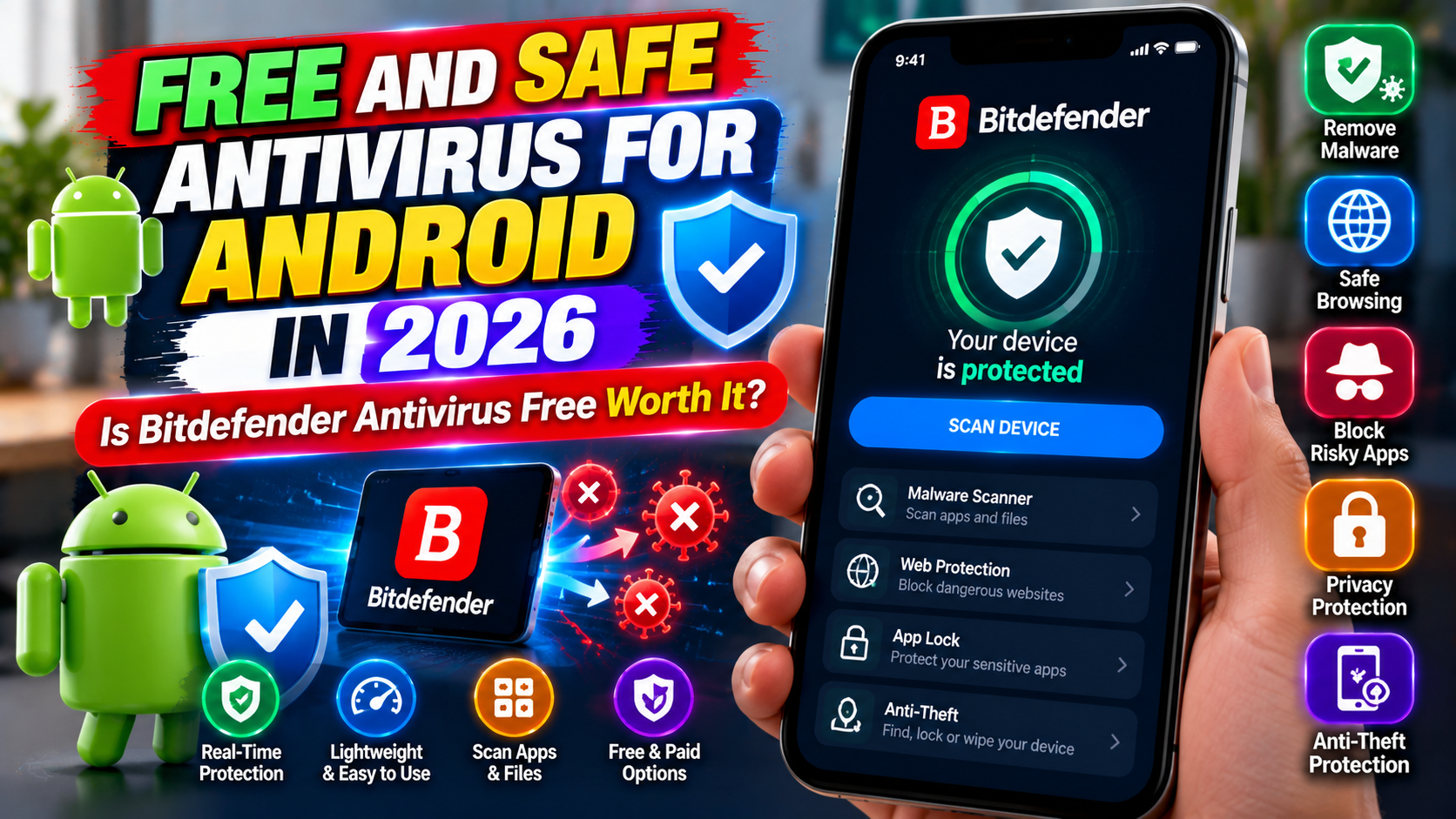
Bitdefender Antivirus Free is a mobile security application developed by Bitdefender. Its purpose is to help Android users identify potentially harmful software through malware scanning.
The application is listed on Google Play and offers features including a virus scanner, an on-install scanner, and an on-demand scanner. According to its current listing, it uses cloud-based scanning technology to help identify threats.
You can review the application’s current description on the official Bitdefender Antivirus Google Play page.
The application is designed for people who want a straightforward way to scan applications without navigating a complicated security dashboard.
However, it is important to understand that installing antivirus software does not make every activity on a smartphone completely safe. Malware protection is only one part of mobile security. Users must also protect their accounts, keep their operating systems updated, and avoid suspicious links and downloads.
Bitdefender Antivirus Free is therefore best understood as an additional security option rather than a complete replacement for Android’s built-in protections.
2. Key Features of Bitdefender Antivirus Free
Before installing a free antivirus, it helps to understand the features that make it useful.
On-install application scanning
One of the application’s main features is scanning newly installed applications for potential threats. This can help identify suspicious software before you begin using it.
The feature is especially relevant when you regularly install applications, although downloading apps from Google Play and checking their permissions should remain your first line of defense.
No scanner detects every possible threat, so you should not treat a successful scan as proof that an application is completely harmless.
On-demand virus scanning
Bitdefender Antivirus Free also provides an on-demand scanner. This allows users to initiate a scan when they want to check their device.
For example, you might run a scan after installing several applications or when you have concerns about a suspicious download.
The available scan options and interface can change with application updates. Follow the current instructions shown in the app rather than relying on screenshots from an older version.
Cloud-based detection
The application uses cloud-based scanning technology to help check for threats. Cloud-based detection can allow security software to consult updated threat information rather than depending entirely on a static database stored on the phone.
Some functions may depend on an internet connection. Users should check the application’s current documentation to understand how its scanning works and what information may be processed.
A relatively straightforward interface
The app’s primary purpose is malware scanning, making it a reasonable option for people who prefer a simple security tool.
A straightforward interface can make it easier to start a scan and review the results. However, simplicity should not be confused with complete protection against phishing, fraudulent websites, account theft, or every other online risk.
Important: Free and premium products can offer different features. Before installing the application, read the current Google Play listing to confirm which capabilities are available without payment.
3. Is Bitdefender Antivirus Free Really Free?
The official Google Play listing presents Bitdefender Antivirus Free as a free application and identifies advertising in the app. Its core advertised features include free antivirus scanning, on-install scanning, and on-demand scanning.
You can review the current terms and features directly on the official Google Play listing.
It is still worth checking the details before installation. An application’s pricing model, available features, advertising, and optional purchases can change over time or vary by region.
Some functions offered by broader Bitdefender security products may require a paid subscription. Do not assume that features available in a premium security package are automatically included in the free Android application.
Before agreeing to an upgrade, identify the specific feature you need and determine whether the free version already meets your requirements.
For users who simply want to scan installed applications and run manual scans, starting with the free app may be sufficient. People who need additional web protection or other advanced tools should compare the available products carefully.
4. How to Download and Install Bitdefender Safely
Downloading security software from a trustworthy source is important. Unofficial installation packages may be modified or distributed by someone other than the legitimate developer.
Follow these steps to install Bitdefender Antivirus Free on an Android phone.
Step 1: Open Google Play.
Launch the Google Play Store on your device. You can also use the official link provided earlier in this article.
Step 2: Verify the application.
Check that the application is published by Bitdefender. Review the description, privacy information, compatibility, and current permissions before continuing.
Step 3: Install the app.
Tap Install and allow the download to finish. Avoid websites that claim to provide modified versions with premium features unlocked.
Step 4: Open the application.
Launch Bitdefender and follow the setup instructions shown on your device. Read any permission requests and understand why the application needs them.
Step 5: Run a scan.
Use the available scanning function to check your device. The application may display results or recommendations depending on what it detects.
Step 6: Review the results carefully.
If the app reports a potentially harmful application, read the warning and follow the recommended steps. Verify that you understand which application is involved before removing anything important.
Step 7: Keep everything updated.
Check for application updates and install Android security updates when your device manufacturer makes them available.
These steps establish a useful starting point for mobile protection without requiring you to download software from unfamiliar websites.
5. Bitdefender Antivirus Free vs. Google Play Protect
Android users already have access to Google Play Protect, a built-in security feature associated with Google Play. It checks applications for potentially harmful behavior, examines applications before downloading them from Google Play, and periodically scans the device.
Google explains that Play Protect can warn users about harmful applications and may disable or remove applications it identifies as dangerous.
You can read more in Google’s official Play Protect guide.
The two tools serve related purposes, but their features and scanning processes are not identical.
| Feature | Bitdefender Antivirus Free | Google Play Protect |
|---|---|---|
| Malware detection | Yes, through its advertised scanning features | Yes |
| Scan newly installed apps | Advertises an on-install scanner | Checks apps during installation and periodically |
| Manual scanning | On-demand scanning is advertised | Offers scanning through Play Protect |
| Additional installation | Requires installing the app | Integrated with Google Play on supported Android devices |
| Cost | Free application; verify current terms | Included without a separate antivirus subscription |
This comparison covers the core advertised functions, not every technical capability of either security system.
For many users, enabling Google Play Protect is the most important first step. Those who want an additional scanning tool can evaluate Bitdefender and decide whether its features offer useful extra value.
Avoid assuming that running two security tools automatically doubles your protection. Choose compatible applications, understand their features, and pay attention to device performance and notifications.
6. How to Use an Antivirus Effectively
Installing an application is only the beginning. You should also understand how to respond to its warnings and maintain sensible security habits.
Start by checking the scan results. If the application identifies something suspicious, read the details before taking action. A warning should be investigated rather than ignored, but you should also avoid making unfamiliar changes without understanding their consequences.
Use the application’s manual scanning option when you have a specific reason to check the device. For example, you may want to scan after reviewing a suspicious download. Remember that a clean result cannot guarantee that every file or activity is safe.
Do not intentionally download suspected malware to test your antivirus. Such experiments can expose your personal information to unnecessary risk.
If a security application detects a harmful app, follow its recommended removal procedure and consider changing passwords if you believe an account may have been compromised. For banking concerns, contact your financial institution through its official app or verified contact details.
Finally, keep your operating system and installed applications updated. Security updates can address vulnerabilities that an antivirus scanner alone cannot fix.
7. Important Limitations to Understand
Bitdefender Antivirus Free can help with malware scanning, but it should not be treated as a complete solution for every smartphone threat.
It cannot prevent every scam
Many scams rely on convincing people to reveal information or make payments. A fraudulent message may not contain malware at all. Always verify unusual requests for passwords, verification codes, financial details, or urgent payments.
Free features may be limited
Some advanced capabilities advertised by security providers belong to paid products. Review the current listing before assuming that web protection, account monitoring, anti-theft tools, or other extras are included in the free app.
Updates are still necessary
An antivirus does not replace Android security updates. Keep your phone updated whenever updates are available for your device.
A scan cannot prove that everything is safe
A scanner checks for threats it can identify under its available detection methods. A clean report is useful, but it should not be interpreted as a guarantee against every malicious file, vulnerability, or fraudulent website.
Understanding these limits helps you choose software based on realistic expectations instead of marketing promises.
8. Best Practices for Keeping Your Android Phone Safe in 2026
You can significantly improve everyday security by following a few practical habits.
Download applications from trusted sources. Prefer Google Play and verified developer websites. Be particularly careful with modified APK files and applications advertised through unsolicited messages.
Keep Google Play Protect enabled. Google recommends leaving this feature switched on. To check it, open Google Play, tap your profile icon, select Play Protect, and review its settings.
Check application permissions. Think carefully before allowing an application to access your location, contacts, microphone, camera, or other sensitive information. Remove permissions that are no longer needed.
Use strong account protection. Set a secure screen lock, use unique passwords for important accounts, and enable two-factor authentication wherever possible.
Treat unexpected links with caution. Messages about blocked bank accounts, prizes, delivery problems, or urgent security warnings can be used to deceive people. Open the relevant service through its official app instead of following an unfamiliar link.
Back up important information. Keep copies of valuable photographs, documents, and contacts. Antivirus tools cannot guarantee recovery if a device is lost, damaged, or affected by a destructive attack.
Remove applications you no longer use. Unused applications can create unnecessary privacy and maintenance concerns. Review your installed apps periodically and uninstall those you do not need.
These habits work alongside security software and help address risks that malware scanning alone cannot solve.
Frequently Asked Questions
Is Bitdefender Antivirus Free safe to use?
Bitdefender is an established security software provider, and its Android application is listed on Google Play. Download it from the official listing, review its permissions, and read its privacy information before installation.
Can I use Bitdefender Antivirus Free without paying?
The official Google Play listing describes the application as free and advertises free scanning features. Review the current listing for advertising, optional purchases, and the exact features available in your region.
Is Google Play Protect enough for Android?
Google Play Protect offers important built-in defenses against potentially harmful applications. Some users may also prefer an additional scanning application. Your choice should depend on your requirements, download habits, and the protection features you need.
Does Bitdefender Antivirus Free protect against phishing?
Do not assume that every phishing-protection feature offered by Bitdefender is included in the free Android scanner. Check the current application’s feature list before relying on it for website or link protection.
Should I disable Google Play Protect after installing Bitdefender?
Generally, no. Google recommends keeping Play Protect enabled. A third-party security application is not a reason to turn off Android’s existing protections unless there is a specific, well-understood compatibility issue.
Does antivirus software guarantee complete mobile security?
No. Antivirus tools can help detect certain threats, but they cannot guarantee protection against every scam, vulnerability, or account compromise. Updates, careful browsing, secure passwords, and regular backups remain essential.
Conclusion
Bitdefender Antivirus Free is an option for Android users who want a dedicated application for malware scanning without starting with a paid subscription. Its advertised features include scanning newly installed applications and running on-demand checks, making it worth considering for people who want a straightforward security tool.
Before installation, confirm the app’s current features and terms on Google Play. Do not assume that capabilities included in premium products are available for free, and remember that a security scan cannot identify every possible risk.
For a sensible mobile security setup in 2026, keep Google Play Protect enabled, install Android updates, download applications from trusted sources, and review the permissions you grant. Add another security tool when it provides a useful feature for your needs rather than installing applications simply because more appears better.
At IPOPANDIT.COM, our goal is to help readers make informed technology decisions with practical advice and realistic expectations. A combination of appropriate security tools and careful everyday habits is a better foundation for protecting your Android phone than relying on any single application.