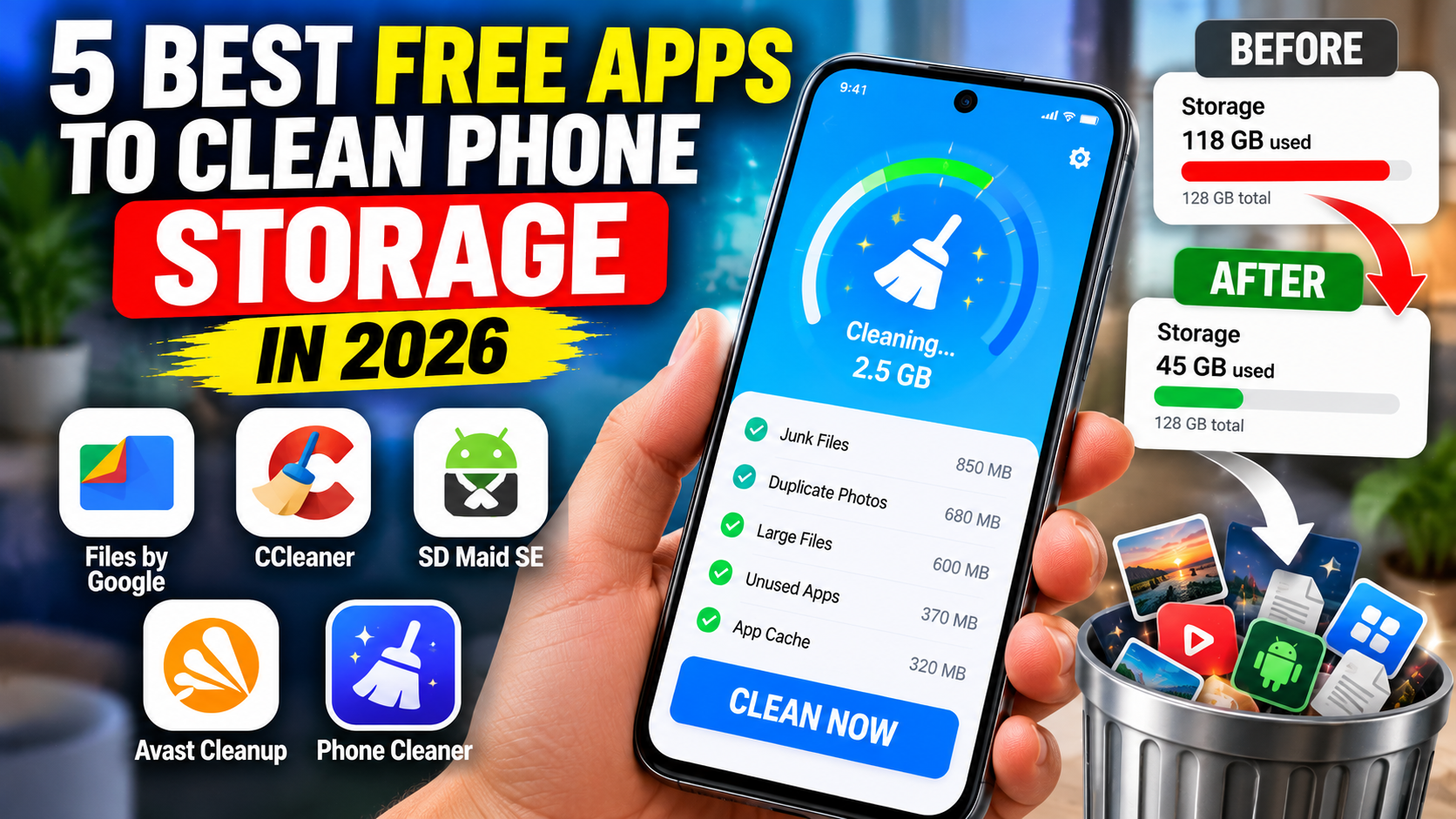
| aid SE | Detailed Android storage maintenance | Some cleaning actions require an upgrade |
| Avast Cleanup | Review junk files, photographs, and storage | Free app with optional premium features |
| Built-in phone settings | Review storage and manually remove unnecessary data | Included with the device |
If you are unsure where to start, use your phone’s built-in storage settings. Android users can also try Files by Google before considering more advanced applications.
Installing several cleaner applications simultaneously is usually unnecessary. A single trusted tool, combined with sensible storage habits, is often sufficient for routine maintenance.
Does Cleaning RAM Make Your Phone Faster?
This is an important distinction because the words memory and storage are often used interchangeably in advertising.
Storage holds photographs, videos, downloads, applications, and documents. RAM is the working memory used while applications and the operating system run.
Deleting unnecessary photographs and downloads can free up storage. However, repeatedly closing applications to maximize free RAM is not usually necessary on Android.
Android manages memory by keeping applications available so that switching between them can be faster. Google’s official Android memory documentation explains this approach.
A phone that feels slow may have several possible causes, including insufficient storage, outdated software, a problematic application, or hardware limitations. A cleaner cannot guarantee that the device will become faster.
If your phone is running slowly, try restarting it, updating applications, checking available storage, and identifying any app that repeatedly stops responding.
Safety Tips Before Cleaning Your Phone
Before removing any files, keep these precautions in mind.
Review files before deleting them. Check whether photographs, downloads, documents, and videos are important. Do not approve every cleaning recommendation automatically.
Back up valuable photographs. Use a trusted cloud service or computer to keep another copy of files you cannot replace.
Download cleaners from official sources. Avoid modified APK files and unfamiliar applications that promise unrealistic speed improvements.
Check permissions. A cleaner should not need unrestricted access to unrelated information for every task. Review permission requests before granting them.
Read the subscription terms. Some applications use advertisements or reserve automated cleaning for premium members. Understand the payment terms before upgrading.
Avoid exaggerated performance claims. Cleaning unnecessary files can free storage, but it does not turn older hardware into a new phone or guarantee longer battery life.
These simple precautions can help you maintain your device without deleting important information or purchasing features you do not need.
Frequently Asked Questions
Which is the best free app to clean phone storage in 2026?
Files by Google is an excellent starting point for Android users because it provides free cleaning recommendations and file-management tools. CCleaner, SD Maid SE, and Avast Cleanup are alternatives with different features and payment requirements.
Can a cleaner app improve phone speed?
It may help indirectly if your device is low on storage or affected by unnecessary files. However, cleaning apps cannot guarantee improved performance. Slowdowns can also result from outdated software, problematic applications, or hardware limitations.
Do iPhone users need a separate cleaner app?
Not necessarily. iPhone’s built-in storage settings allow users to review large applications, remove downloads, delete unwanted files, and offload unused apps.
Is clearing app cache safe?
Clearing cache normally removes temporary files, although an application may take longer to open or reload certain content afterward. Clearing storage or application data is different and may remove logins, settings, downloaded content, or other information.
Should I install multiple phone cleaner apps?
Usually not. Start with built-in storage tools and add one trusted application if it provides a specific function you need. Multiple cleaners can create unnecessary notifications, advertisements, and overlapping cleaning operations.
Conclusion
Keeping your phone’s storage organized does not have to be complicated or expensive. Files by Google provides a convenient way to identify unnecessary files, while CCleaner, SD Maid SE, and Avast Cleanup offer additional tools for analyzing storage and reviewing content. Built-in Android and iPhone settings remain useful options for everyday maintenance.
The most effective approach is to identify what is consuming your storage, remove only files you no longer need, and back up important content before making changes.
At IPOPANDIT.COM, our goal is to help readers choose technology tools through practical advice and realistic expectations. A careful storage-cleaning routine can help you make better use of your existing phone without relying on exaggerated promises about automatic RAM cleaning or instant performance improvements.