Introduction
Smartphones have become an essential part of everyday life. We use them to communicate with family, manage bank accounts, shop online, store photographs, and access important personal information. However, unsafe applications, fraudulent websites, phishing messages, and other digital threats can put this information at risk.
Choosing a suitable security solution can help you use your device with greater confidence. The good news is that you do not always need an expensive subscription to improve your phone’s security. Android already includes Google Play Protect, while third-party applications offer additional features such as website protection, scam alerts, and privacy tools.
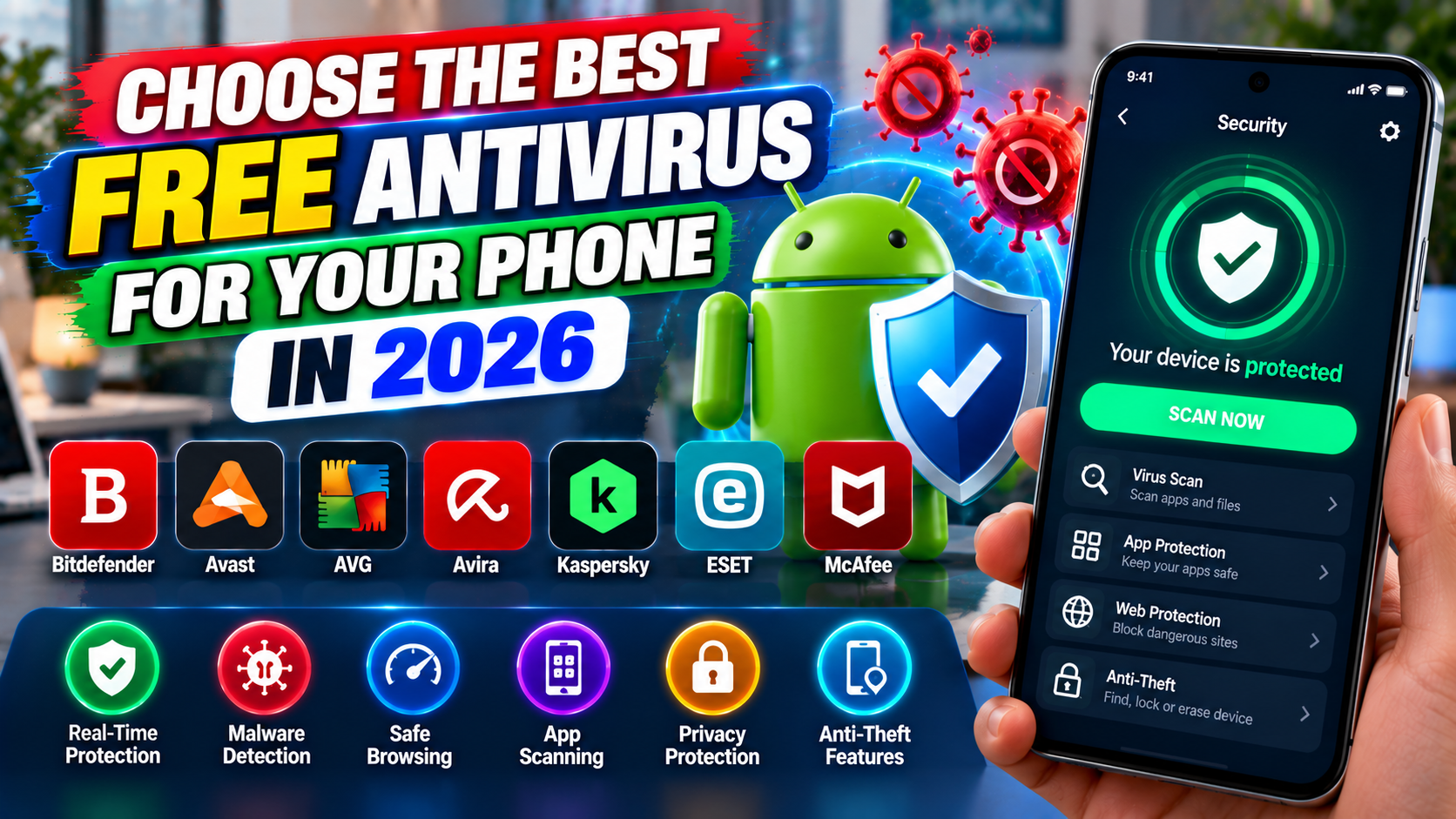
But which free antivirus should you choose in 2026? The answer depends on your device, your online habits, and the type of protection you need.
In this guide, IPOPANDIT.COM explores free mobile security options, explains their main benefits and limitations, and shares practical steps for protecting your smartphone without spending unnecessarily.
1. Why Does Your Smartphone Need Security Protection?
Many people assume that smartphones are automatically safe because they use modern operating systems. Although Android and iOS include important security protections, users can still encounter phishing attempts, malicious downloads, fraudulent applications, and social engineering attacks.
For example, you might receive a message claiming that your bank account will be blocked unless you follow a link. Another message could encourage you to install an application outside the official app store. Such tactics can trick people into revealing passwords, sharing financial information, or granting unnecessary permissions.
Mobile threats are not limited to traditional computer viruses. Cybercriminals may also distribute spyware, steal login credentials, impersonate trusted organizations, or use deceptive websites to collect personal information.
A good security strategy therefore includes more than installing an antivirus application. It involves keeping your operating system updated, downloading applications from trusted sources, using strong authentication, and learning to recognize suspicious messages.
A security application can provide an additional layer of protection, but it cannot prevent every scam or guarantee that your personal information will never be compromised.
2. Avast One Mobile: A Free Security Option to Consider
One option worth considering is Avast One Mobile, the current mobile security offering from Avast.
Avast provides a free Android security application designed to help users detect malware and spyware and recognize certain online threats. Its mobile offering also includes security-related tools intended to make everyday browsing and smartphone use safer.
You can review its current features and availability on the official Avast mobile security website.
Key features to consider
Malware protection: Security scanning can help identify potentially harmful software on supported Android devices. Keep the application updated so its protection can use the latest available security information.
Web protection: Certain features can warn users about dangerous websites or malicious links. This may help reduce the risk of opening a fraudulent page, although it cannot identify every harmful website.
Scam awareness: Avast’s mobile security products include scam-related features intended to help users identify suspicious online activity. The exact capabilities available depend on the application version and whether you use a free or paid plan.
Additional security tools: Some tools are available only with a premium subscription. Before upgrading, check whether the feature you want is actually included in the free version.
There is an important naming detail for 2026: Avast’s official support documentation explains that Avast Mobile Security is being replaced for new installations by Avast One. Therefore, Android and iPhone users looking for a new installation should check the current Avast One listing rather than relying on older instructions that refer exclusively to Avast Mobile Security. See Avast’s official system requirements and product information.
Avast One Mobile is worth evaluating if you want an additional security application, but compare its current free features with your requirements before making a decision.
3. Google Play Protect: Built-In Protection for Android
Before installing any additional antivirus application, Android users should understand Google Play Protect.
Play Protect is integrated with Google Play and helps check applications for potentially harmful behavior. It examines apps before installation and periodically scans a device for security threats. Depending on what it detects, it can warn users, disable harmful applications, or remove them.
Google recommends keeping Play Protect enabled. You can read the details in the official Google Play Protect guide.
How to check Play Protect on your phone
- Open the Google Play Store.
- Tap your profile icon.
- Select Play Protect.
- Review the available scan results and settings.
- Confirm that app scanning is enabled.
The exact menu wording can vary by device and software version.
Play Protect is a useful starting point because it does not require you to install a separate antivirus application. For someone who installs ordinary applications from Google Play and keeps their device updated, it provides an important layer of built-in protection.
However, it does not make every download, website, or message automatically safe. You should still check app permissions, avoid untrusted downloads, and be cautious when opening links from unknown senders.
4. Does an iPhone Need a Traditional Antivirus App?
The answer is different for iPhone users because iOS uses a security architecture that restricts how third-party applications access other applications and system resources.
According to Apple’s security documentation, third-party iOS applications run in isolated environments called sandboxes. These restrictions help prevent one application from freely accessing or modifying another application’s data.
Consequently, an iPhone security application generally cannot perform the same unrestricted, whole-device malware scanning that users may expect from traditional antivirus software on a computer.
Nevertheless, iPhone users can benefit from additional security and privacy tools. Depending on the product and plan, these may include alerts about compromised accounts, suspicious websites, or other online risks.
For iPhone users, the most useful everyday protections include installing iOS updates, using strong device authentication, reviewing privacy permissions, and downloading apps from trusted sources.
If you choose Avast One for iOS, review its current App Store description carefully. Do not assume that the iPhone edition has the same functions as the Android edition.
5. What Should You Look for in a Free Antivirus App?
Not every application advertised as a free antivirus provides the same protection. Some focus primarily on malware scanning, while others emphasize browser safety, scam detection, or additional privacy features.
Before installing an application, consider these factors.
Reliable malware detection
For Android users, malware detection is one of the main reasons to consider a third-party security application. Review the publisher’s description and independent security testing where available. Remember that results apply to specific product versions and testing conditions rather than guaranteeing future performance.
Protection against suspicious websites
Fraudulent websites often imitate banks, shopping platforms, delivery services, and popular services. Web protection can provide warnings about recognized dangerous addresses, but you should still verify website addresses before entering passwords or payment information.
Transparent privacy practices
A security application may request access to sensitive information or device features. Check its privacy policy and permissions before proceeding. Understand whether personal information is collected, how it is used, and whether particular features require sharing information with the provider.
Clear free and paid features
A free application may offer core security features while reserving a VPN, advanced scam protection, automatic scanning, or other tools for paying customers. Availability can change by country, operating system, and application version.
Always check the latest feature list rather than assuming that a function mentioned in an older article remains free.
Low impact on everyday use
Security software should fit comfortably into your routine. Consider whether it affects battery life, performance, notifications, or storage. If you experience problems, review the application’s settings and check whether unnecessary features can be disabled.
6. How to Install a Free Antivirus Safely
Installing a security application from the correct source is just as important as choosing the application itself.
Step 1: Open the official app store.
Use Google Play on Android or the Apple App Store on iPhone. Search for the application by its correct name and verify the publisher.
Step 2: Check the listing.
Read the description, compatibility information, privacy details, and current feature list. Look carefully for subscriptions, in-app purchases, and functions that require payment.
Step 3: Review permissions.
Grant only the access required for the features you intend to use. Be cautious if a security application requests permissions that seem unrelated to its stated purpose.
Step 4: Complete the setup.
Follow the application’s instructions, review its settings, and enable the appropriate security features available under your chosen plan.
Step 5: Update and review regularly.
Keep both the application and your phone’s operating system updated. Periodically check whether your protection is active and whether the application has introduced changes to its features or subscription terms.
Avoid downloading unofficial installation packages that promise premium features for free. Modified applications may contain harmful code, and their origin can be difficult to verify.
7. Common Mistakes to Avoid When Protecting Your Phone
Installing an antivirus application is not a substitute for sensible security habits. Several common mistakes can undermine the protection your phone already provides.
Turning off built-in protection: Android users should generally leave Google Play Protect enabled. Disabling existing safeguards without a clear reason can reduce security.
Installing applications from unfamiliar websites: An application that promises free subscriptions or exclusive features may be designed to trick users into installing unsafe software. Prefer official app stores and verified developer websites.
Ignoring operating system updates: Updates can correct security vulnerabilities as well as improve performance. Install them promptly when available for your device.
Trusting every security warning or message: Fake security alerts can be used to persuade people to install unwanted software or reveal payment details. Verify warnings through the official application or device settings instead of following unfamiliar links.
Assuming a free app provides complete protection: Free versions can be useful, but they may lack advanced features. No security application can guarantee protection against every malware infection, scam, or data breach.
Avoid installing multiple third-party antivirus applications simply because you think more apps automatically mean greater protection. Choose a suitable solution, understand its compatibility, and maintain your phone’s existing security safeguards.
8. Simple Ways to Improve Smartphone Security in 2026
You can strengthen your phone’s security without purchasing a premium subscription.
Keep your operating system and installed applications updated. Use a strong screen lock and unique passwords for important accounts. Enable two-factor authentication wherever it is supported, especially for email, banking, and cloud-storage accounts.
Be cautious with unsolicited messages that create urgency, offer unexpected prizes, or request sensitive information. Instead of clicking a link in such a message, open the relevant company’s official application or type its known website address yourself.
Review application permissions periodically and remove apps you no longer use. Avoid granting accessibility access, notification access, or other powerful permissions unless you understand why an application needs them.
When connecting to public Wi-Fi, be careful about sensitive transactions and verify that websites use the correct official domain. A security application may add useful warnings, but it cannot make every public network trustworthy.
Finally, back up important photographs, documents, and contacts. Security protections reduce certain risks, while backups help you recover from accidental deletion, device failure, or some types of digital attacks.
Frequently Asked Questions
Which is the best free antivirus for phones in 2026?
The right choice depends on your operating system and requirements. Android users can start with Google Play Protect and consider Avast One Mobile for additional features. iPhone users should prioritize Apple’s built-in protections and choose security applications for specific privacy or web-safety features.
Is Avast One Mobile free?
Avast offers a free mobile security option, with additional capabilities available through paid plans. Check the current official app listing for the exact features offered in your region.
Is Google Play Protect enough for Android?
Play Protect offers important built-in protection against potentially harmful applications. It works best alongside software updates, careful download habits, strong account security, and awareness of phishing scams. Whether you need an additional application depends on your circumstances.
Can an antivirus application protect me from every online scam?
No. Security applications may identify certain malicious files or suspicious links, but scams can change rapidly and frequently rely on manipulating users rather than infecting devices. Always verify unexpected requests for money, passwords, or personal information.
Do iPhone users need to install antivirus software?
A traditional whole-device antivirus scanner is generally not how security applications work on iOS. iPhone users can still consider tools for web protection, privacy alerts, or account monitoring, while maintaining Apple’s built-in safeguards and installing system updates.
Conclusion
Choosing the best free antivirus in 2026 starts with understanding your phone and the risks you want to reduce. Android users already have Google Play Protect, which offers valuable built-in safeguards. Those looking for additional tools can evaluate Avast One Mobile and compare its free features with their needs.
For iPhone users, the focus should be on the platform’s built-in security, timely updates, safe browsing, and reputable privacy tools rather than expecting a third-party application to scan the entire device like a desktop antivirus program.
The most effective approach combines suitable security software with careful everyday habits. Download applications from trusted sources, review permissions, use strong authentication, and keep important information backed up.
At IPOPANDIT.COM, our goal is to help readers make informed technology decisions through practical guidance and realistic expectations. A thoughtful security setup can improve your protection without requiring you to pay for features you may not need.